Patient Approvals (Post 7.05)
|
axiUm allows you to manage patient approvals from the status bar. When a user selects a patient in axiUm and an item is present on the patient’s record that the user requires approval for, the patient’s chart number displays in teal on the status bar to serve as an approval indicator. Note: This includes any items that were done on behalf of the provider.
Depending on how a provider is configured, many items may require approval in axiUm:
When you require approval for items on a patient record, a faculty member must complete the approval.  Optional Request-based Approvals Optional Request-based Approvals
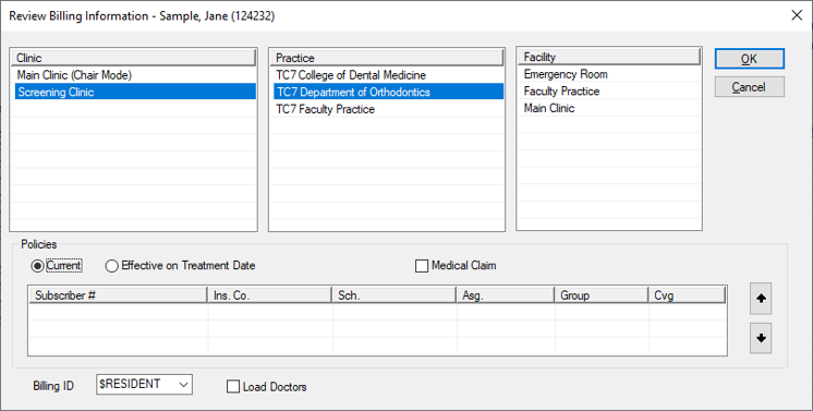
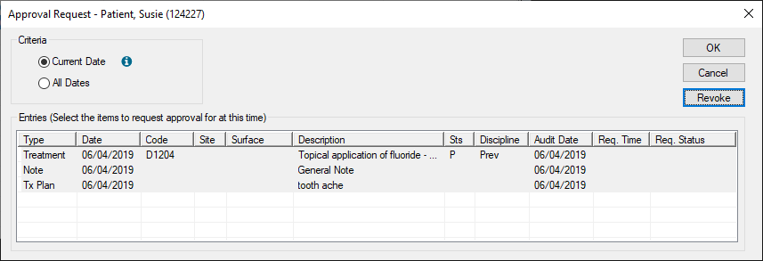
Some institutions may use an optional request-based workflow to complete patient approvals. If enabled, student providers can request approval for items when they finish them during an appointment, then prompt faculty members to approve the items. It makes use of an Approval Request window, the Review Billing Information window, clinical notification states, and if configured, a controllable intervention event. Basic Approvals Organization
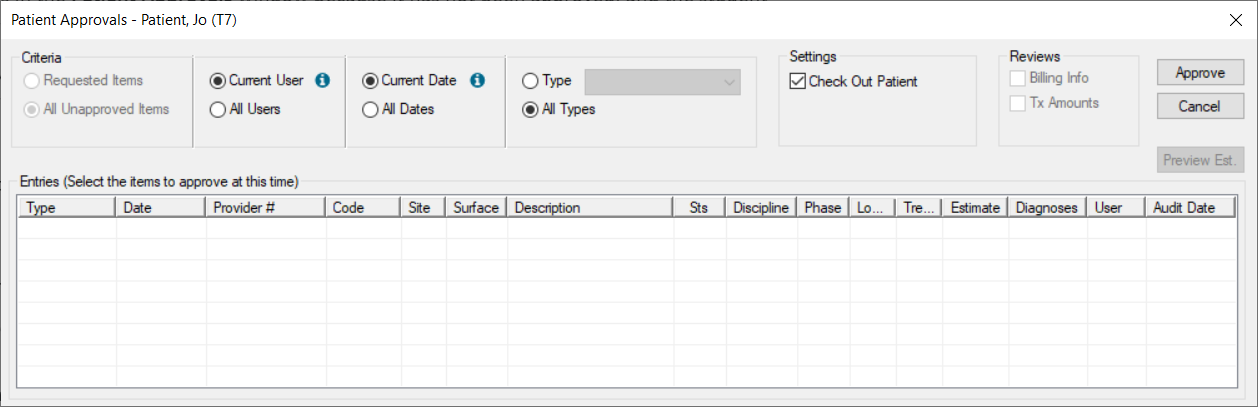
Patient approvals includes several parts:
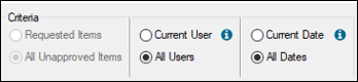
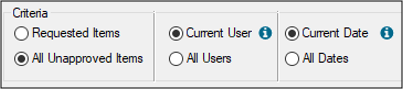
The Criteria filters default differently depending how the student provider is configured.
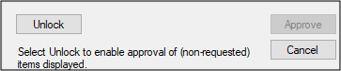
Note: If you select the All Unapproved Items radio button, the other radio buttons are enabled, but the Approve button is disabled and you cannot approve other items. However, if you have the correct permissions, you can click an Unlock button to authenticate and re-enable the Approve button.
Financial Warnings During Approvals
Financial warnings can be suppressed during the patient approvals process. After the approvals process if over, staff can review financial warnings for specific procedures that may have occurred during the approvals process and address the issues. These can be reviewed from several places in axiUm:
Note: For more information on reviewing financial warnings, see the applicable guides in the axiUm Community. |